Is it worth paying for Textmate or can I find a free one that will do, like TextWrangler? I'm just starting to learn how to code so I think my needs are pretty basic.
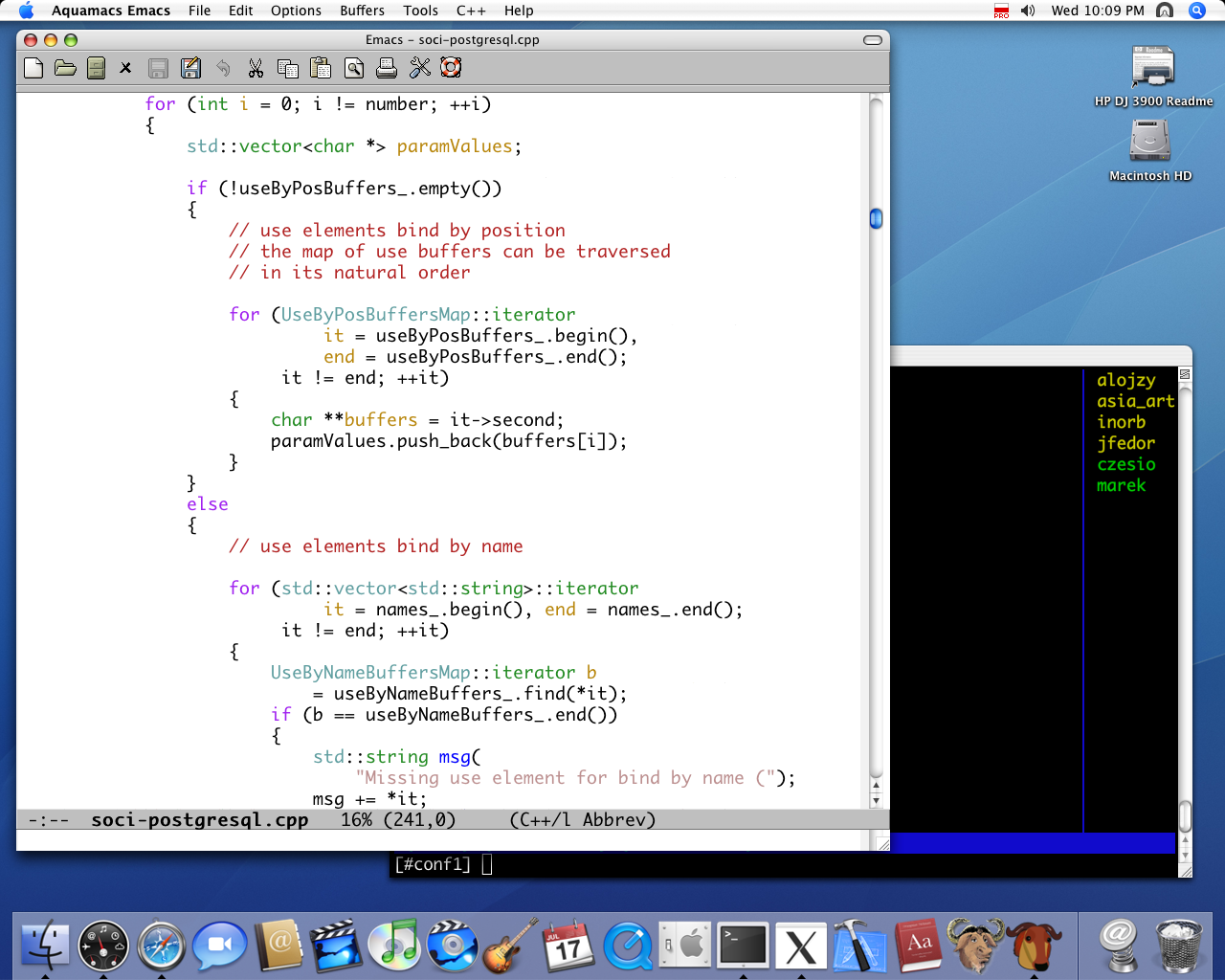
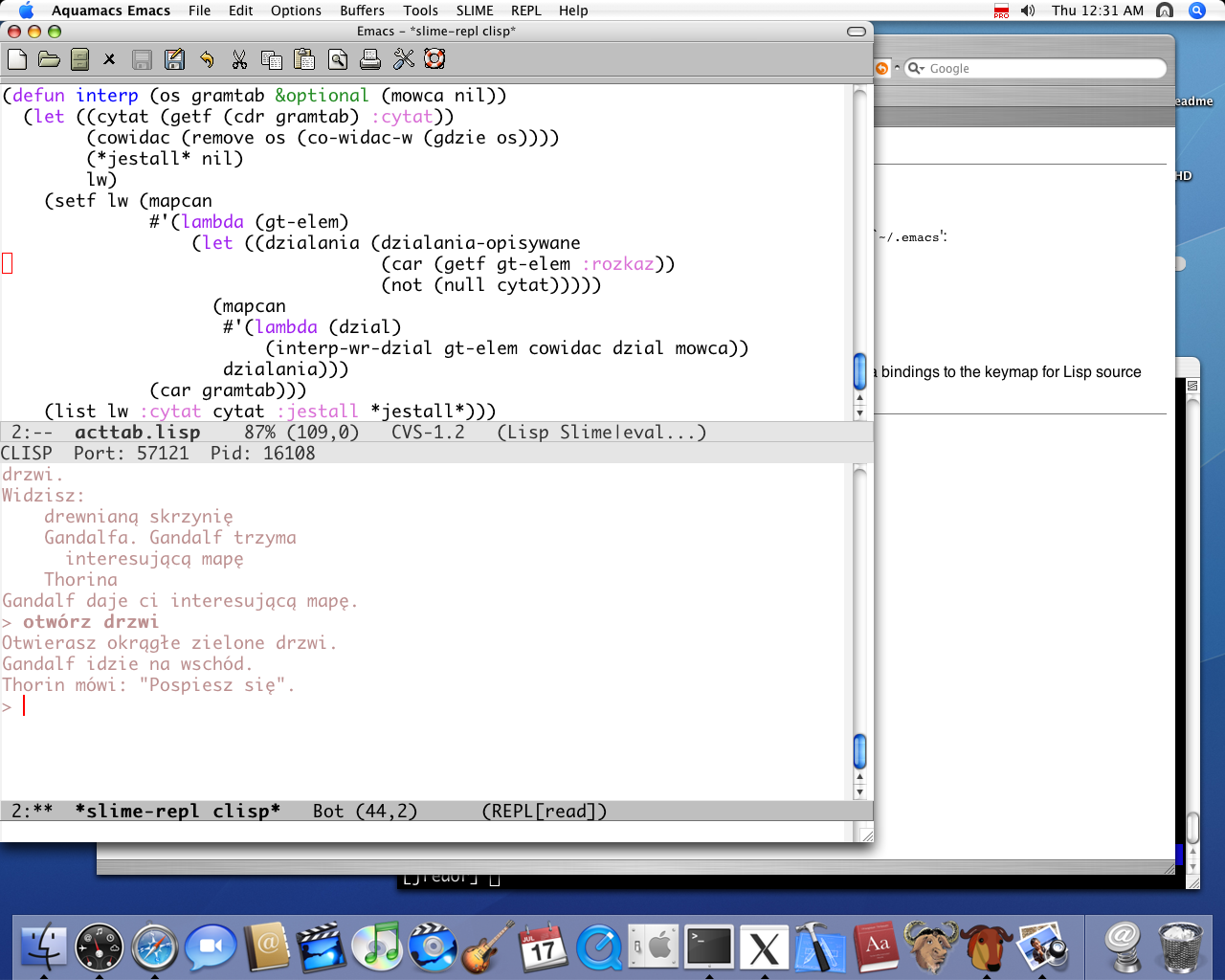
And if you don't know Emacs yet, start with Aquamacs. It has "normal" Mac keybindings set in addition to the Emacs ones for most operations, and comes with many of the best Emacs packages already installed.
Heck, even if you know Emacs well, give Aquamacs a try. All of the pre-installed packages can be a big time saver over downloading and installing each of them individually.
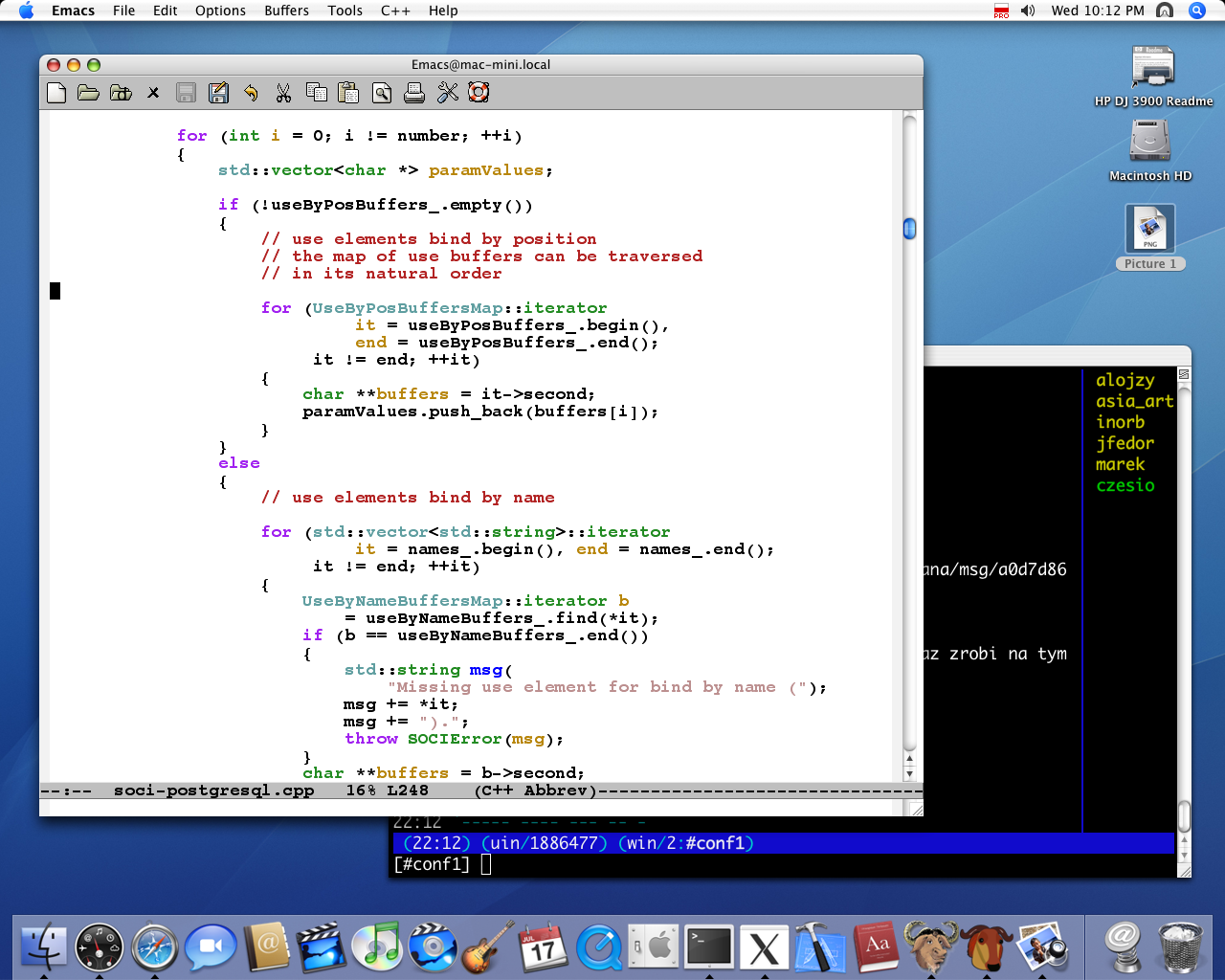
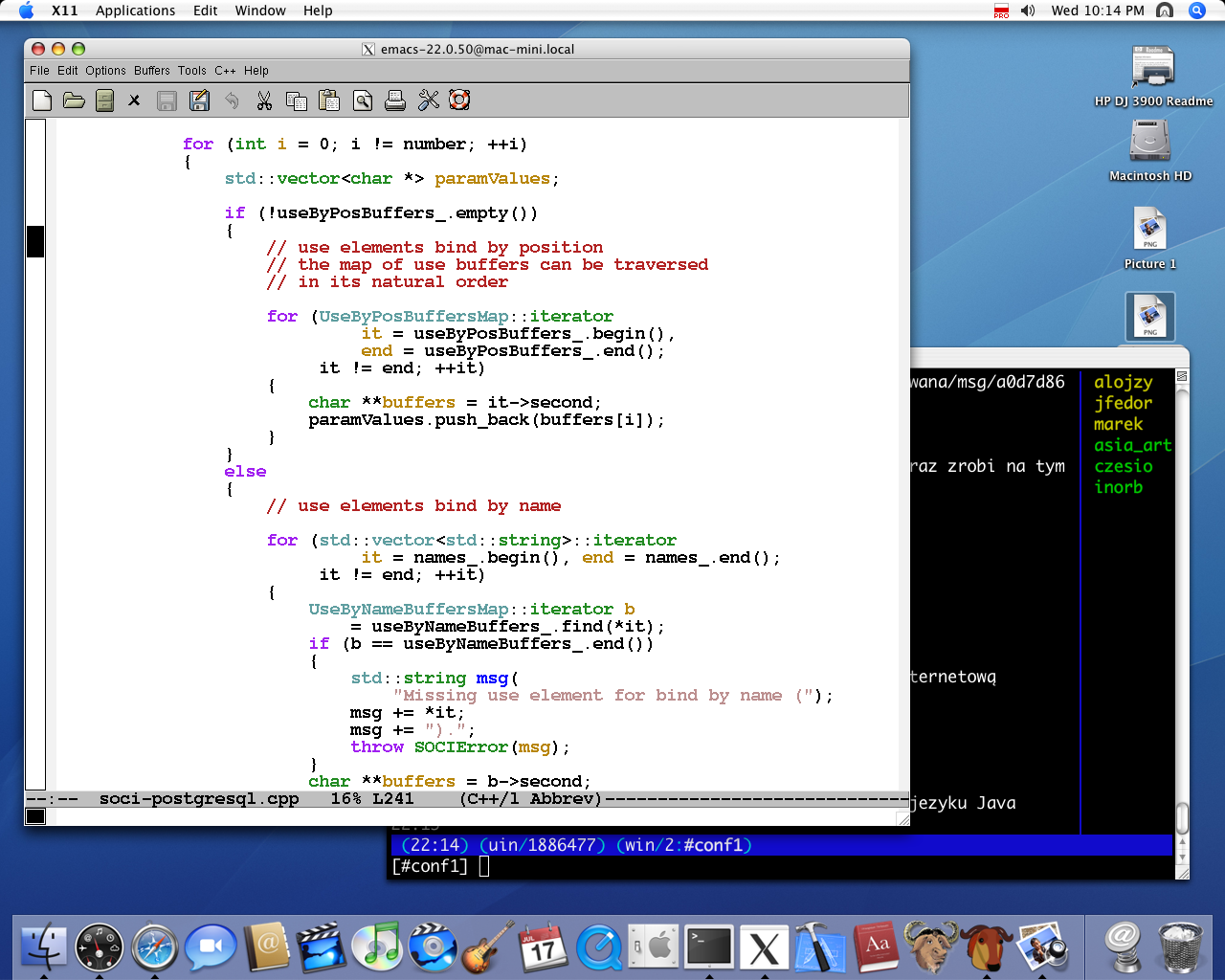
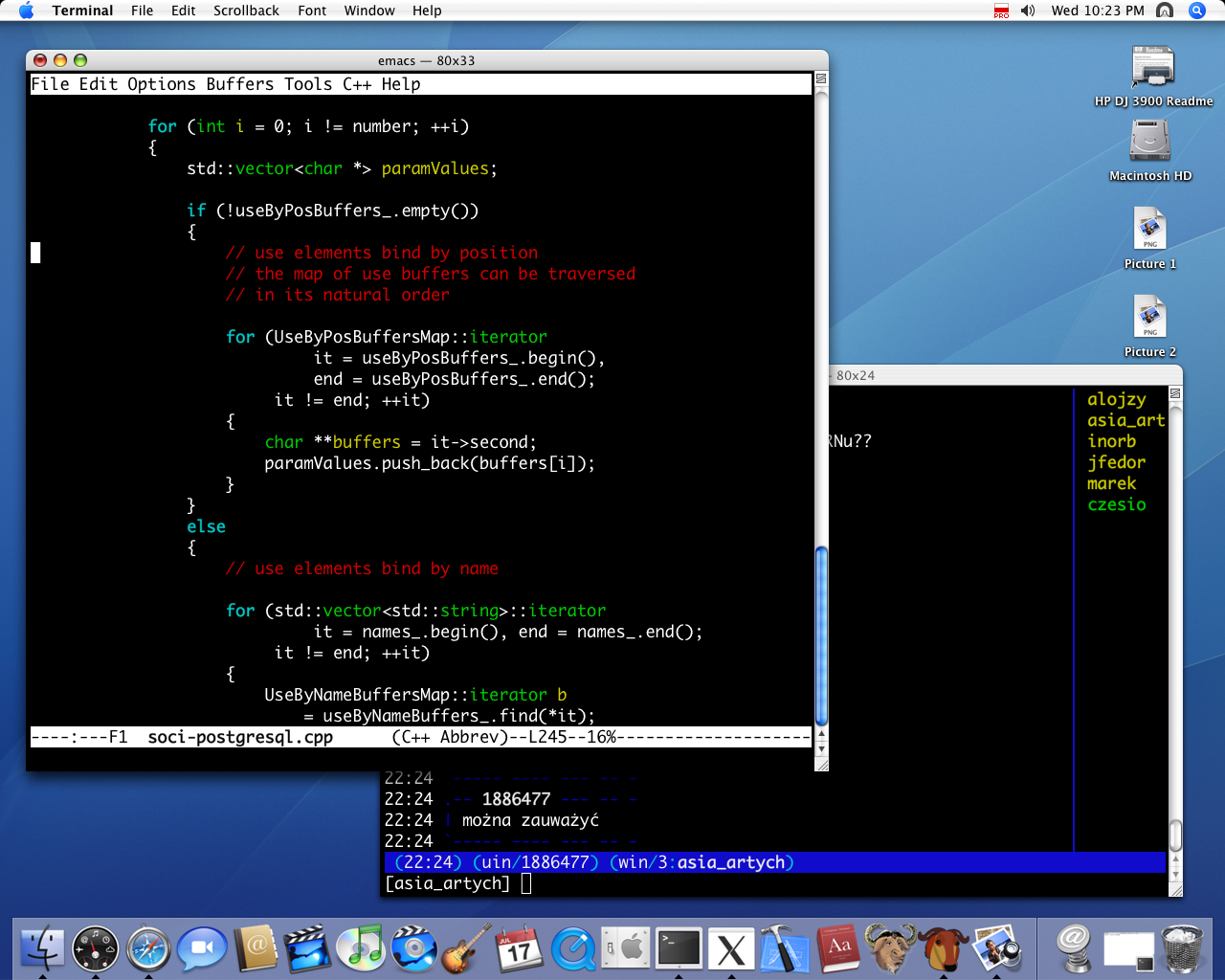
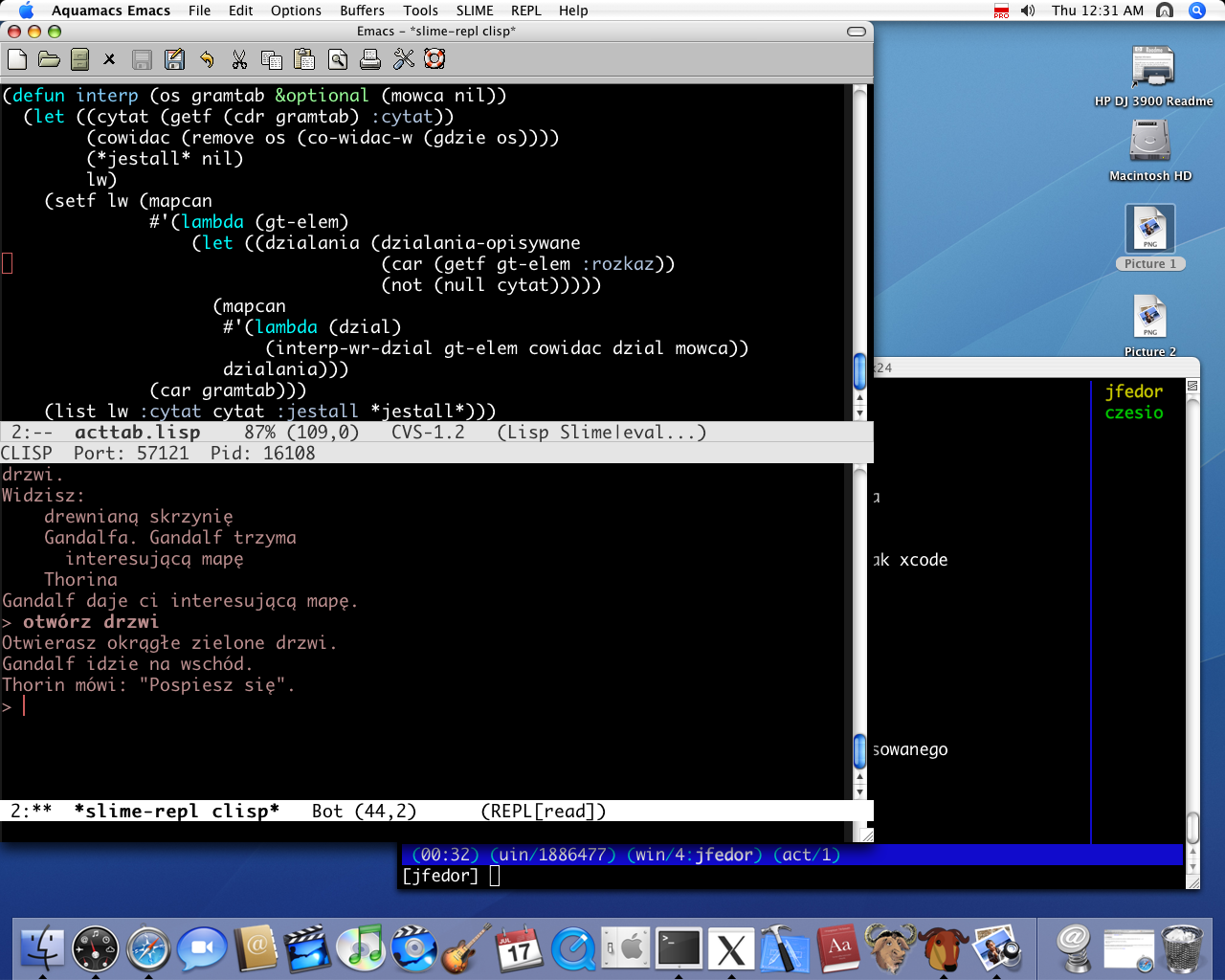
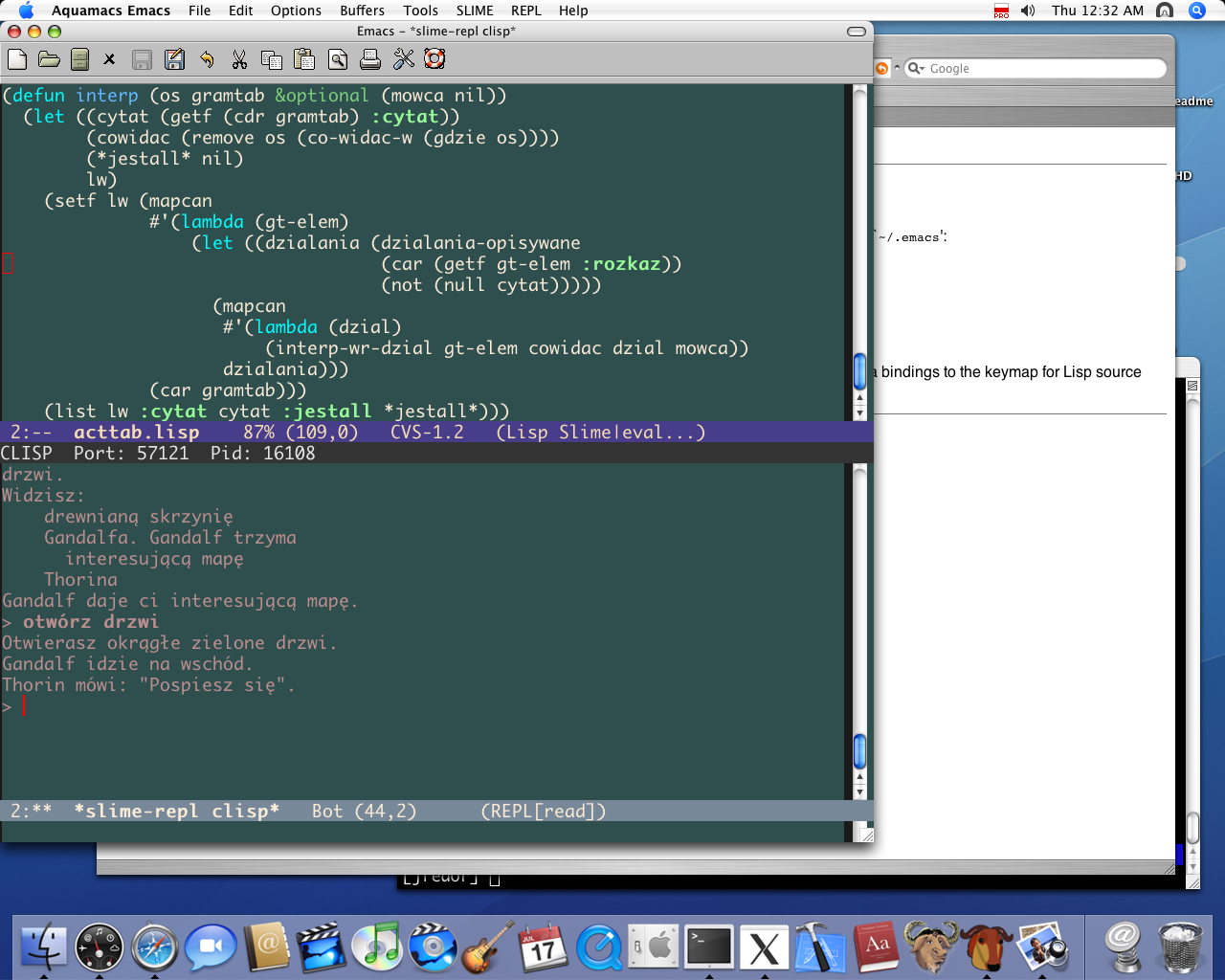
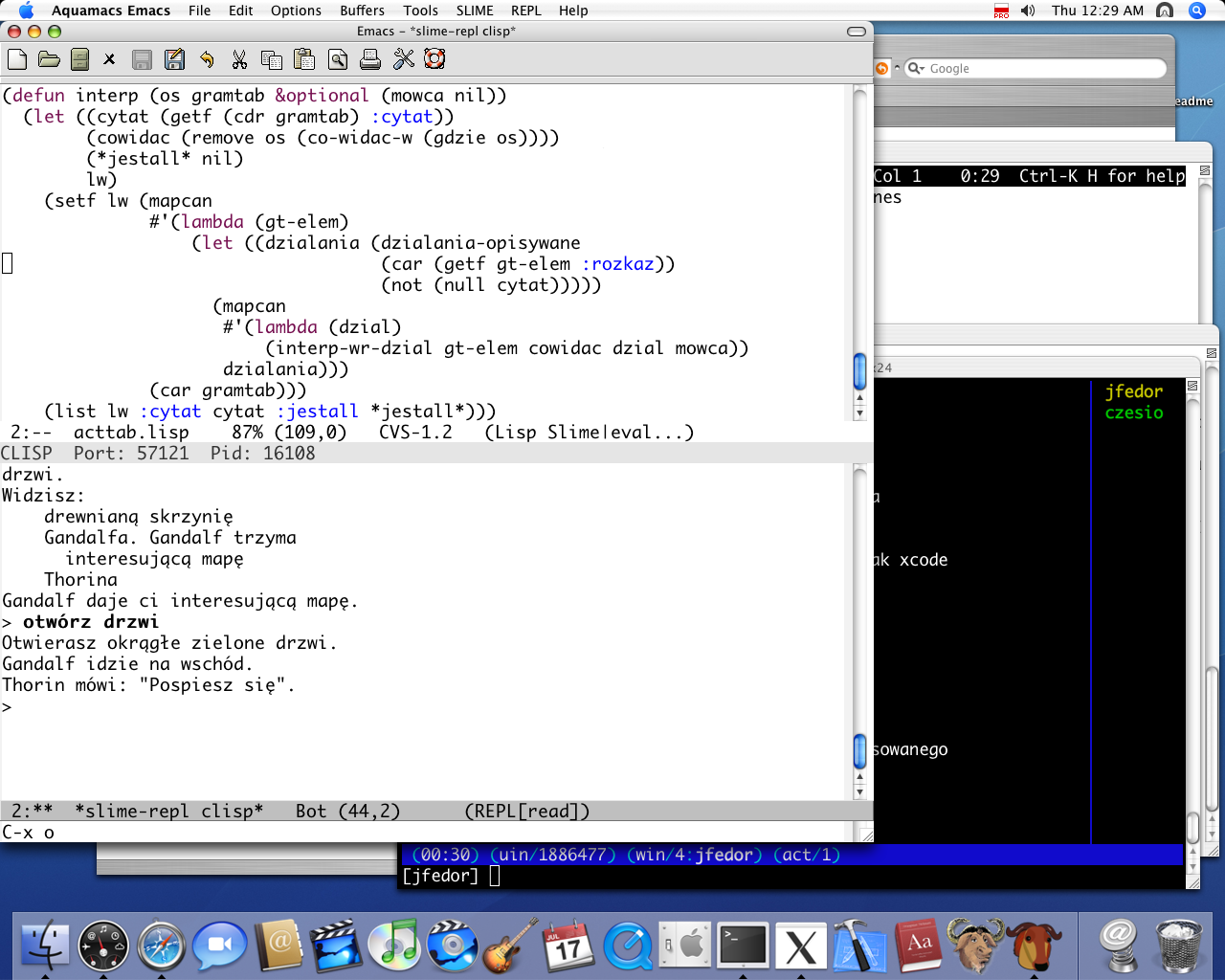
As you can see, (1) and (4) kicks (2) and (3)'s ass with respect to the looks of the font. (4) would be a good option, especially since it comes with the OS X, but you have to use ESC, key instead of meta+key (b/c of Apple terminal), which kind of sucks.
Aquamacs has some behaviors that I don't very much care for, like opening a new window every time you open a file, but it can be easily fixed in the .emacs file.
If you haven't already, bind the Control modifier to your Caps Lock key. Emacs was developed on workstations with this key configuration, and a lot of key combinations make more sense for your fingers that way.
If you've already done that, I wouldn't worry too much -- there are plenty of programmers working now who've been using Emacs for more than 20 years.
If you use the Caps Lock key as CTRL, then it feels pretty awkward for me to type some key combinations (like ctrl-x or ctrl-c) and still keep my fingers on the "home row".
Do you just get used to this? Do you type ctrl-x with your pinky and ring finger? Or, do you shift your hand away from the home row and type ctrl-x with your pinky and middle finger?
Ran across this long after the fact, and I'm not even sure if you'll be aware I posted this, but...
I've been wondering the same thing, as C-x is used all the time and seems really uncomfortable. I've found one mention of it, so I thought I'd pass along Steve Yegge's opinion:
"Incidentally, if you want to fine-tune this tip to extraordinary levels, then you probably don't want to use your ring-finger for typing the x-key when you hit Ctrl-x. I use my left index finger, since I'm used to it that way, but you're probably better off using your left middle finger. The reason is that your hand isn't technically on home row when your left pinkie is jammed down on the Caps-Lock key that you've turned into Ctrl. The point is to use whatever requires the least amount of stretching, followed by the least amount of finger motion. You should experiment until you find what's most comfortable for you."
Cost is a lousy reason to choose something else over Textmate. It's high quality software, worth every penny.
Having said that, I paid for Textmate and used it for a couple of months before chucking it in favor of emacs. I'd never used emacs before, though my first editor was TECO for those who remember. I started with Aquamacs emacs, which I found no more difficult to pick up than Textmate. Ultimately, I switched to Carbon emacs, because it is more like the emacs I use on Linux and Cygwin.
this sounds a lot like what I did. I own a license to textmate, but lately i have been using Emacs a lot more. I love it. Textmate still has a special place in my heart, but right now Emacs just supports more of what I need, and it works with all my platforms.
The learning curve for Vim, Emacs is much higher than textmate. If you can afford to buy Textmate, then do so. It is well worth the money and will increase your productivity.
It is a bad sign that such comment got so many upvotes.
Of course, it takes less time NOW to dig into TextMate, but VIm or Emacs changes your way of thinking. That's exactly why it makes sense to learn Lisp or C. Even if they're hardly usable in the current market, they make you a better programmer.
What does Emacs or Vim have over TextMate? My friend was a hardcore Vim user but ended up switching to TextMate because it has enough keyboard shortcuts to make him happpy, but also has a nice bundle system that adds a lot of snippets.
I used TextMate for three months or so -- wanted to see what the fuss was about -- before gratefully switching back to emacs.
TextMate is the only editor I've used since learning emacs that I would even consider using full-time. (Except for vim, of course. :) It's a great product, and if you're happy with it you should keep using it. I'm not at all sad that I bought it -- there are tasks, mostly involving close integration with other Mac apps, that I still use it for.
But...
TextMate's snippets and completion were great for a while. Of course, I later discovered that the reason emacs didn't have these features is that I hadn't known that they were called "abbrevs" and "dynamic abbrevs". There's extensive documentation in emacs itself and on the emacswiki. So now my emacs has snippets, and various kinds of autocompletion.
In emacs, if you don't have exactly the right keyboard shortcut, you fix it. Here's one pet peeve of mine: Steve Yegge's essays have taught me to use isearch-forward and isearch-backward for navigation in long documents. In TextMate the backward search is bound to Control-Shift-S, a key combo that's torture to type compared to Control-R, that I can't remember to save my life, and that AFAIK cannot be changed (and it's not as if I didn't try). In emacs, where any key combo can be swapped for any other key combo in seconds, and any search command you hate has four built-in alternatives, twelve downloadable alternatives, and all the source code available to be edited on the fly, crap like this need not bother you for long.
I've got my emacs rigged so that, when I type source code, I don't need to press Shift to get symbols out of the top row of keys instead of digits. I type a lot more symbols than digits, so I use Shift when I need to type a digit. If I find myself typing a lot of digits, I press Ctrl-0 to toggle back to the normal behavior. You can't do this kind of stuff in a closed-source text editor.
And, mark my words, that's still the big problem with TextMate. I'm not generally a zealot about free software, but a text editor is the kind of tool you will be using for thirty years. It pays to invest in one that you will choose to abandon, and not the other way around. I'm inclined to use emacs instead of TextMate for the same reason that I'm inclined to play bridge instead of Magic: The Gathering: it has lasted for decades, it will last for decades more, I don't need to own special hardware or pay for any upgrades, and the whole thing belongs to me...
Plus, you get folks like Steve Yegge, working in his spare time to make your editor better. 10% of that guy's time is worth a fortune, and there's more where he came from! The problem with a closed-source editor is that there's only one or two people who can fix or improve the core code.
> TextMate the backward search is bound to Control-Shift-S, a key combo that's torture to type compared to Control-R, that I can't remember to save my life, and that AFAIK cannot be changed…
> I've got my emacs rigged so that, when I type source code, I don't need to press Shift to get symbols out of the top row of keys instead of digits.
This is very easy to accomplish in TextMate.
> Plus, you get folks like Steve Yegge, working in his spare time to make your editor better. 10% of that guy's time is worth a fortune, and there's more where he came from! The problem with a closed-source editor is that there's only one or two people who can fix or improve the core code.
The vast majority of TextMate’s functionality is in open-source bundles, which you or anyone else can freely edit, and which hundreds of people are constantly working to improve.
Hooray! Many thanks. I knew that if I complained about this often enough...
Someone should fix that documentation. The key I want to change is mentioned directly beneath this sentence:
In addition TextMate has the following key bindings, which are not visible in the menus and cannot be found in the standard key binding files:
That sentence managed to discourage me before I actually reached the bottom of the file mentioned at the bottom of section 3... where, thanks to your assertion that there really is hope, I finally found what I was looking for.
This is very easy to accomplish in TextMate.
How should I approach this? Where's the TextMate equivalent of the Emacs Lisp handbook? I do know Ruby, if that will help.
Perhaps I should point out, in case it's not as obvious as it should be, that the big reason I went back to emacs is just that I've been using it for a decade and have managed to learn where a lot of things are kept in emacs.
And, yeah, like I said: TextMate is a great editor. And its feature set and approach is so similar to emacs that an emacs-Textmate flamewar is even more pointless than an emacs-vi flamewar. :)
> Hooray! Many thanks. I knew that if I complained about this often enough...
The place to complain is the TextMate IRC channel, where someone will be happy to straighten you out in real time. :-)
> How should I approach this?
Well the easiest way would be to just make a series of 20 macros which insert the symbols when you press the numbers, and vice versa. But you could also do it through cocoa key bindings or a keyboard layout, with more trouble.
abbrev's aren't quite as "powerful" as textmate's snippets. luckily, there are many elisp packages that provide this functionality, yasnippet is what I'm using.
I can see where you're coming from, and I can completely agree that TextMate could only be made better if it was open source, but it's quite good as is. To each their own, I guess.
FYI i believe it's not too hard to change keyboard shortcuts (or add them) for anything in a menu on a native mac app using the xcode interface builder (maybe it got renamed recently, can't remember).
It is a bad sign that such a comment go so many upvotes.
> Of course, it takes less time NOW to dig into TextMate, but VIm or Emacs changes your way of thinking.
That you think TextMate won’t change your way of thinking shows that you have not used it in any serious way. Several aspects of the TextMate approach, particularly its declarative language grammars and the use of css-like selectors for assigning commands, syntax highlighting, etc., are fundamentally more flexible and powerful than the pitiful equivalents in Emacs or Vim.
TextMate’s low floor, no ceiling approach has enabled some complete newcomers to create amazingly useful tools for themselves, which would have been all-but-impossible for them to create in Emacs or Vim. It slowly sucks users in, teaching them first to make simple macros, then to use regular expressions, then to write their own code, in a gradual process.
It takes less time to dig into because the software is better designed, not because it is less “thought-changing”, or because the digging can’t go as deep.
While TextMate is nice, and I paid for it myself, I recently decided to start learning Vim because you can essentially use it on any platform. It may take some time to learn, but I believe it will be greatly beneficial in the long run.
There is a free 30 day of demo of TextMate. Why not try it and then ask nomad whether it's worth it? The relevant thing is what works best for you - if you are a programmer then the price of any of these is inconsequential (yes, even BBEdit) given how much you will be using it. On the Mac, more so than on other platforms, you will find that shareware apps are frequently best-of-breed.
SubEthaEdit is great for multiple people editing the same file. Not like Google-docs' "save and refresh", it's truly real-time collaboration from anywhere you have an internet connection.
It's simple and easy to use if you want it to be simple, but powerful if you need it to be powerful.
TextMate sort of embraces the Unix philosophy (like using filter programs), but in a native GUI application that just works really well with everything else on OS X (like seamlessly editing files on an SFTP server via Transmit, etc).
If I'm working on the command line and I want to edit a document I just type "mate filename". I can also get a file browser of a directory by typing "mate directoryname" or just "mate .", then open multiple files in tabs.
Syntax highlighting is excellent, and themeable. All the common languages are built in, and you can get bundles for nearly any other language. Bundles include a hell of a lot more than just syntax highlighting too.
You can set up shortcuts for snippets of code and templates, like typing "html" then <tab> could give you a standard skeleton of an HTML document, and other more powerful macros.
You can easily pipe any text through any command line program you want. Need to sort a list of stuff? Just filter it through "sort". Need the current date? Just run "date" and TextMate inserts the result. Or any other arbitrarily complex command.
Of course, emacs, vi, etc probably have many of these features, but lack the integration with OS X. And I simply don't have the time/patience to learn them.
Oh, and the only SubEthaEdit feature besides collaborative editing that I miss in TextMate is the ability to copy an XHTML representation of syntax highlighted code. Very handy for blog posts, etc. And the multiple regex implementations in find.
I use TextMate because it just goes. The defaults work great for me and it has builtin support for 90% of what I want to do. I was a big Aquamacs user, but when I stupidly lost my .emacs I just couldn't justify the time it would take to rebuild it.
I'll go back to Aquamacs someday, but for now I'm a TextMate guy.
In my opinion, it would be a lot more productive to learn one of the "standard text editors," namely vi(m) or emacs. The learning curve is higher, but it will allow to be very productive on almost any Unix-based operating system.
Textmate is a great product with a lot of useful features right out of the box, and it very Mac-like with its UI and Apple-style keyboard shortcuts. It also has a lot of macros, and you can access a lot of shell commands straight from the menus. However, by hiding all of these details, it makes it more difficult to use a computer that does not have Textmate on it.
Thus, if the "Macness" of a program is very important to you, and you don't mind being dependent on one machine and one proprietary program, then Textmate is certainly worth the cost. If not, then I recommend you save the money and build skills for the future by learning how to work with vim or emacs.
Although most people who use these common programs have to customize them extensively. Using emacs without my .emacs file can be as disorienting as using another editor.
Not sure if you're thinking of TextMate or TextWrangler. TextWrangler does have a Mac-like UI and uses Apple-style keyboard shortcuts. TextMate's UI is not particularly Mac-like, it exposes shell commands quite directly, and most of the macros are shell/ruby/etc scripts.
To illustrate the difference, TextWrangler has a menu command to sort the current document, and a menu command to remove duplicate lines. TextMate has "Filter Through Command" which lets you apply arbitrary command like "sort | uniq" to the current document.
I basically use TextMate for typing up Latex. It has all kinds of builtin goodness that makes everything easier. Its also easy to add your own ideas copying from what is already there.
Whats cool about textmate is that you can using any scripting language to write macros. Most of the ones that come with Textmate are written in Ruby, but you could use anything, which is pretty cool I think.
It depends. If you pay in dollars, Textmate is fairly expensive, yes. If you don't, its about 25 glasses of beer in a pub. No big deal. For that money you get the text editor with the largest community of developers on the Mac platform which in itself is worth paying for. Textwrangler, on the other hand, is dead (or rather, it's a stripped down free version of a dead editor called BBEdit) so investing time to learn it isn't worth it, IMHO.
If the price bothers you, use vi or emacs. Neither of those integrate too well with the rest of the OS X environment (though they're getting better) and learning them will help you on other unices as well. That is especially true for vi - no matter how poorly endowed the unix, there's always a vi to work with (on the other hand, bash uses emacs key bindings by default, so it doesn't hurt to learn those as well)
I've used BBEdit for about 8 years now, since it was pretty much one of the only kids on the Mac block for a long time. But I never felt limited by that choice, I felt quite good about it compared to what was out there in the Windows world (I'm also a regular vim user too).
BBEdit is a powerful and stable editor that handles all my needs well, including integration with external scripts (shell, etc) and integrates nicely into OSX as well. It doesn't have nearly the current popularity of TextMate nor pre-installed script library for everything under the sun, but it seems far from dead from my perspective. I've tried TextMate several times now. Maybe old habits die hard, but I honestly didn't find a compelling reason not to stick with BBEdit.
As a mature product in a fairly mature industry, how much activity is really needed as far as new releases/features go? I know I have my personal wish list, but I'm a pretty happy BBEdit user, and wouldn't consider it anywhere near a dead product.
Of course it can handle your needs. It's no match, however, for the community around Textmate that provides all sorts of bundles and snippets that may come in handy (and most of which you will never ever use).
For example, if a new web application framework comes out tomorrow, you can be fairly sure someone will create a Textmate bundle for it the day after. Somehow I don't see that happen for BBEdit.
That's true, but most of those I found I didn't need anyway and spent more time trying to remember where which snippet was and what binding I put to it than just getting real work done. My memory doesn't work well with lots of key bindings...
Then again, you also don't see many crazy snippet packages for vim, but that's still not a "dead" project either.
Yes, definitely just use the built-in Emacs from the command line. Less flash & less Mac integration, but it works the same whether running on your system or running ssh'd into a Unix-based server. (But be sure to (10.5) use "Preferences > Settings > Keyboard > Use option as meta key".)
Also, note that you can customize the Cocoa text environment to be pretty much straight Emacs keystrokes (it's already there, but you have to configure it). See http://www.hcs.harvard.edu/~jrus/Site/Cocoa%20Text%20System.... for a wonderful set of tips and hints.
It's heaven having Emacs editing commands in any web-based text widget (like this one), and everywhere else that's Cocoa-based text.
How well does vim work on a Mac? I'm a regular (g)vim user on Linux, but am thinking of getting a Mac for my next computer. I'm a little wary of using standard *nix tools on platforms they're not native to, though, because I tried emacs + GHC on Windows in college and found that Windows did things differently enough that all the normal help resources online didn't really apply (emacs users tend to laugh at you when you say you're using Windows anyway ;-)).
Is the Mac/vim combination better in that respect? Things reasonably similar to how you'd use gvim on Linux?
I know that regular vim is available for OS X, and I also know that a special "MacVim" also exists. MacVim is more integrated with OS X as a whole, and has a gui like gvim.
It really depends on the language you plan to learn. If the language has a de facto IDE, you would be best served by that. Otherwise, Emacs offers a number of language-directed enhancements that help a lot with boilerplate work.
(And c'mon, MacVim and Emacs.app? Just open Terminal.app and run Emacs or vim directly! Both are pre-installed on OS X.)
Well, if you become the type where it really bothers you if you have bugs in yoru code, your needs won't be basic for long. I'm of 2 minds on this. I love Textmate, and Gray's Pragmatic book is superb. It just flows from my brain. My only complain is working the key combinations on a macbook keyboard (which i suppose is also true of emacs )
But I have to work on Linux and Windows boxes, too. So, either look into the various packages for remote editing in textmate, or, more simply, vim. You can also look at eclipse and jedit as cross-platform editors. I think it's really useful to get adept at 2 editors, thothere's a 15 minute transition each time you have to switch. The upside is that you periodically get the "I wonder how you do this in textmate/eclipse/emacs" lightbulb.
There's a couple others i've really liked, while i'm at it, Komodo and Wing IDE for python work, but they're kinda expensive.
Agree, Coda (http://www.panic.com/coda) is one very slick application for web related work where lots of FTPing is required. It also supports syntax highliting for most popular scripting languages (Ruby, Python, Perl, PHP, JavaScript and others) and has a great CSS editor AND integrated Terminal.
Plus you can choose to preview how your web app looks like in various browsers from Coda.
There are many more features, it's one very useful and slick app for web development work - HTML/CSS and lightweight scripting.
For heavier jobs (Lisp and non-web based Python programming) I use Aquamacs - definitely check it out.
I am really surprised only 2 other people have mentioned Smultron. At least to me, it is by far a superior application to textmate, text wrangler, and bbedit. I have not used emacs and coda, but will be trying them when I get home.
I work in both windows and mac worlds. By far, textpad on windows is the #1 text editor I've ever used. Last year I started doing web development on macs and quickly got frustrated nothing was available that would do everything textpad does. I even tried running it in emulation but some wierdness didnt leave it as a functional option at the time.
I tried various text editors until I found smultron. Easily the best little text editor ive found for mac so far, and I can't recommend it enough.
I am really surprised only 2 other people have mentioned Smultron. At least to me, it is by far a superior application to textmate, text wrangler, and bbedit. I have not used emacs and coda, but will be trying them when I get home.
I work in both windows and mac worlds. By far, textpad on windows is the #1 text editor I've ever used. Last year I started doing web development on macs and quickly got frustrated nothing was available that would do everything textpad does. I even tried running it in emulation but some wierdness didnt leave it as a functional option at the time.
I tried various text editors until I found smultron. Easily the best little text editor ive found for mac so far, and I can't recommend it enough.
Major reason to use TextMate is that it's got a good file tree overview, like eclipse. I find that working with rails and constantly looking around and inspecting the file tree is very pleasant in textmate. I like emacs, but not for jumping around between files, and the speedbar is horrible. On textmate if something happens in the file system it's instantly reflected when you switch back into textmate. I wish the speedbar would recieve a good rewrite in emacs.
Otoh, development on textmate seems to be pretty slow or nonexistent, it would be nice if split view would have been implemented by now.
Depends on what you're doing. I like WriteRoom if I'm writing prose. I like TextMate for generic code viewing and editing (e.g., random XML docs). I still prefer IntelliJ for Java or Arc coding.
I'm a fan of Smultron as well. I've been using it for a few years. I don't maintain a large, complicated code base so I haven't felt anything lacking. The editor itself is nice, it handles multiple files and interacts with Finder pretty well and the syntax coloring works well. I created a syntax definition myself which was also easy.
I also like the easy shortcuts for moving text blocks, commenting, chopping, conversion, etc. I'd say try it out, then buy TextMate if you don't get what you need from Smultron.
Komodo edit is really good. I had a tough decision between TextMate or to use free alternative (komodo edit). Only problem with komodo is the anti aliasing that is on by default and cannot be turned off in the application. One option is to recompile whole komodo (including mozilla) and to disable AA, or do this in terminal:
Seems like there's good community support behind VIM/Emacs and TextMate. Though mainly I get a sense that many try a few and settle into one. I think my strategy will be to try VIM or Emacs or both, and if I find the learning curve too high, switch over to TextMate. Thanks!
Personally, I use jEdit for the majority of my web programming unless I need to do a lot of FTP and site-structure related stuff, then I will use Coda.
For my non-web programming, I use jEdit or Emacs, depending on the situation.